From first draft
to submission,
one workspace.
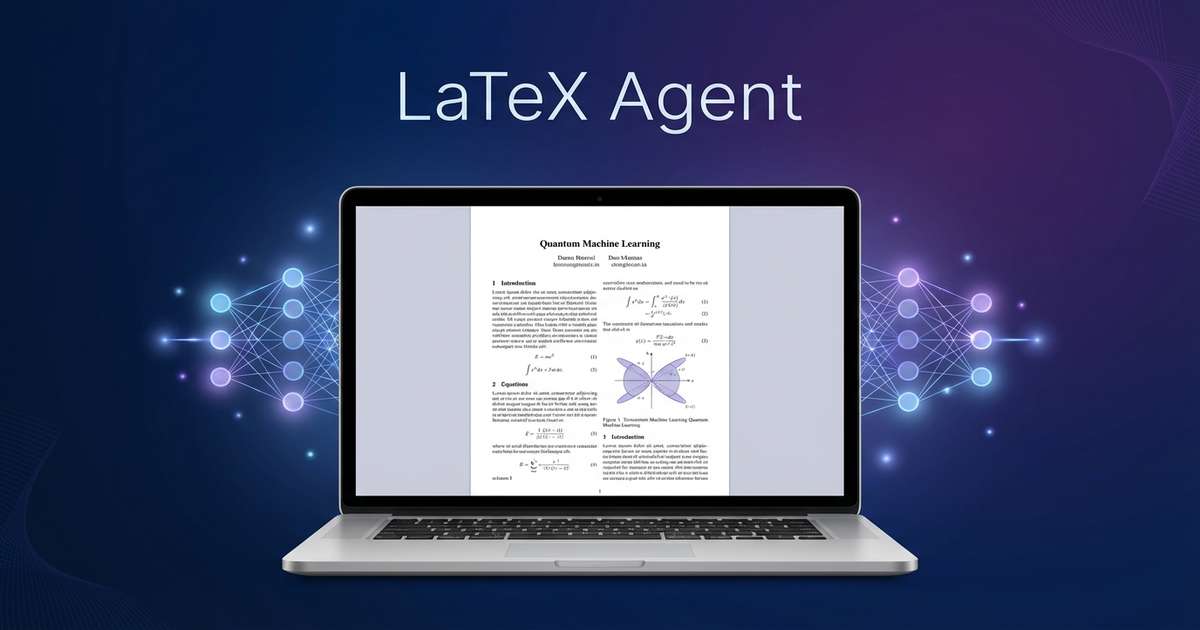
LaTeX Agent brings the editor, cloud compilation, git-tracked versions, and advisor review onto one workbench — nothing to install, just open a browser and write. Built for the agent era: your AI assistant can connect directly and run the whole paper workflow for you — compiling, editing, and iterating. No agent? It works just as well — human and machine at the same desk.
Bring your own agent? Send it thisOne workflow, three layers
An editor built around the paper workflow,
writing, verification, and submission in one flow.
Draft, review, and deploy — every stage connects in this one workflow.
Draft
Write only when the goal is clear
Separate questions from write requests so AI does not accidentally enter draft mode for prompts like "how should I change this".
Review
Compile errors and fixes appear side by side
Show authors what failed, why it failed, and which files will change after the fix.
Deploy
Fits solo work and campus deployments alike
Ready for public cloud use, while private deployments keep data boundaries clear for labs and enterprise knowledge teams.
Advisor review loop
Your advisor clicks a link —
and marks up the PDF directly.
Not an AI pretending to review — the real advisor review process, in the cloud: a share link with four precise roles (viewer/commenter/editor/owner), zero-install browser access, PDF-anchored comments on any region, then revision — by you or your AI assistant over MCP — with every round snapshotted for comparison.
Every step maps to a shipped feature — reproducible step by step in the workbench
Agent direct-connect
Your agent,
wired straight into the cloud workbench.
Compile farm, git-tracked versions, advisor review, paper library — all open to your agent over MCP/API. A 20+ tool MCP surface plus REST as a second path: your agent can compile, edit, and run the whole paper workflow from the terminal.
No agent? The web workbench works exactly as before — agents are a gain, not a gate.
Compile farm
compile runs cloud latex and returns pdf_url; error diagnosis and fixes ride the same path.
Git-tracked versions
File writes land immediately; snapshot versions via REST before big rewrites; rounds stay traceable.
Advisor review
Comments read/reply/resolve are all tool-ized — your agent digests a whole review round.
Paper library
Search online catalogs, read library PDFs page by page, upload new papers.
Skills & platform guides
Included on connect: MCP prompts carry platform conventions and a local paper upload recipe; dsh, Claude Code and OpenCode users can install the skill pack — 20+ tool usages and three workflows out of the box.
Connect config
Send this to your agent:
Connect to LaTeX Agent (a cloud LaTeX paper workbench) via MCP: endpoint https://this-site/mcp (Streamable HTTP), auth header X-API-Key (I'll send you the token — it starts with lxa_ and is minted under Profile → API Token on the web app). Once connected, start with list_projects to see my projects, then compile, edit, or read the paper library as needed.The connection 401s until the token is in place — mint the key in your profile first.
For labs and institutions
A deployment version for labs, research groups, and enterprise knowledge teams.
Keep data inside your own boundary
Private deployments support local object storage, your own compile environment, and internal model access for sensitive research teams.
Built to make Chinese paper workflows easier
Templates, terminology, and multi-file structures are designed around mixed Chinese/English text, bibliography cleanup, and pre-submission review.
Keep extending it to fit your flow
Project management, collaboration permissions, model vendors, and compile queues can all be tailored to the way you work.
AI Model Architecture
Hybrid architecture powered by domestic LLMs
We combine Chinese large language models into a hybrid reasoning architecture, balancing Chinese understanding, code generation, and long-context processing for academic writing.
Switch between Fast / Pro / Max model tiers manually
Start from the first paragraph
Next time you write a paper, let the editor feel like a desk that is already set up.
Start with a 7-day trial. When it ends, you will automatically fall back to the free plan without getting interrupted by a forgotten cancellation.